One-Click Clipping: The Fastest Way to Turn User Interview Analysis Into Evidence
Stop describing what users said. Select the quote, download the clip, and let the footage speak for itself.
Built for researchers, not video editors
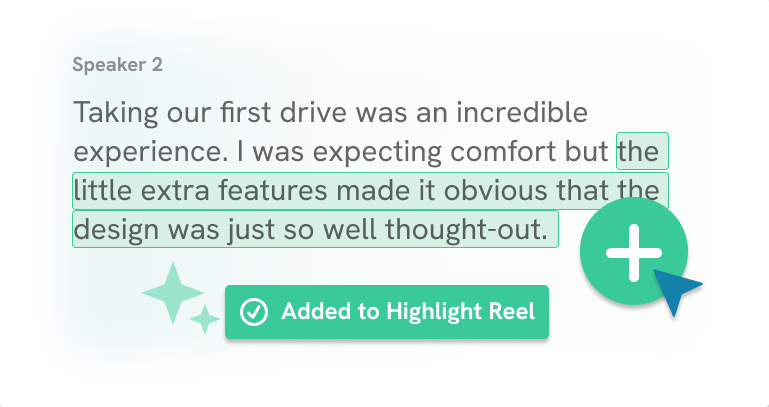
Click any quote to clip it
Your transcript is your edit timeline. Highlight the quote you want, and Clipses generates the exact video segment without handles to drag, or in/out points to set.
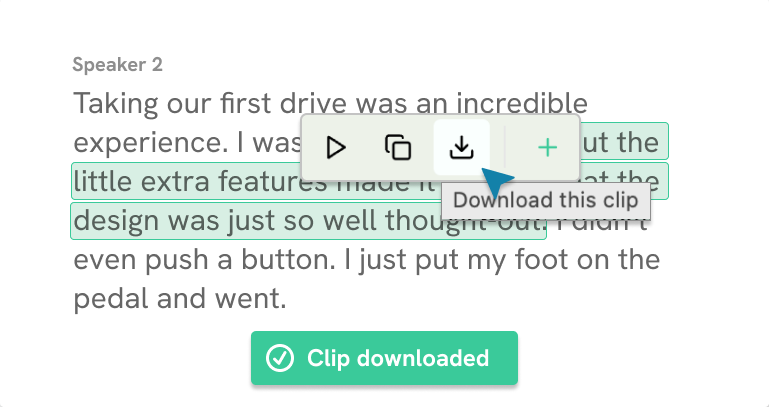
Download clips instantly
Every clip is ready to download the moment you make it. MP4, no watermark, full resolution. Add it to your deck, your Notion doc, or anywhere you share work.
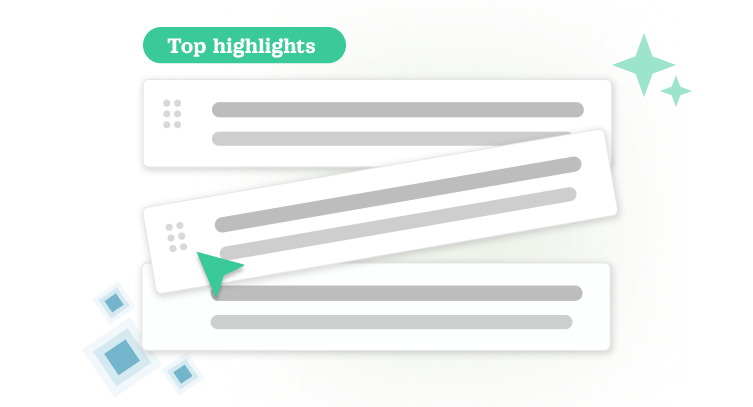
Build a highlight reel from your clips
Select the quotes that tell the story. Clipses assembles them into a shareable reel ordered, trimmed, and ready for stakeholders, without you touching a single edit tool.
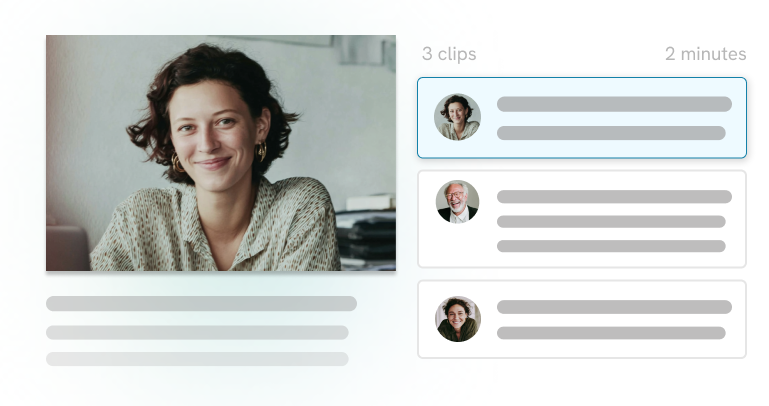
Show the evidence, don't just describe it
Attach a customer clip to a feature request or ticket so your team can stop debating what users said and start deciding what to do about it. Let the customer make the case.
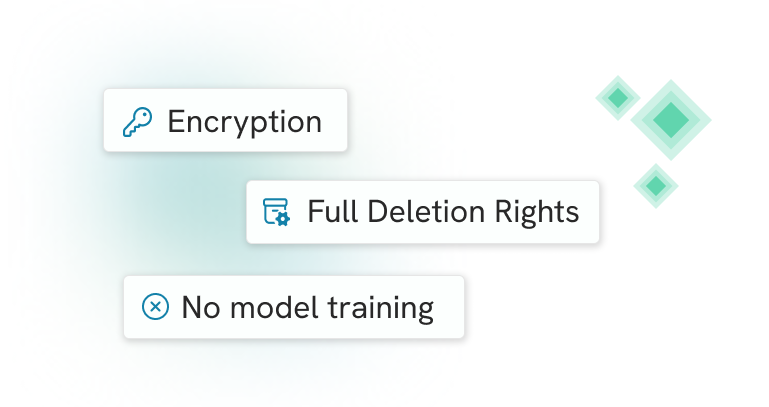
Your footage stays private
Clips and transcripts are encrypted at rest and in transit. Your interview recordings are never used to train AI models. They're yours, full stop.
Stop editing. Start sharing.
Start for free and get 20 hours of free video processing — no watermarks, no editing software required.
Start for Free